

.svg)



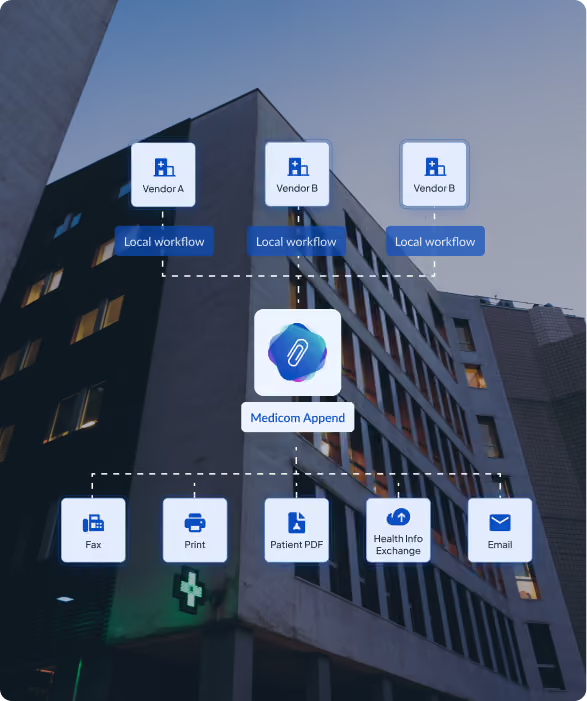

— Medicom | SMART Backend Service Application
Automatic diagnostic report and patient demographics attachment for every outbound imaging send. Runs machine to machine on the Medicom platform, with no staff involvement required.

When a diagnostic imaging study leaves your organization, the receiving care team needs more than pixels. Without the diagnostic report and current patient demographics attached, three predictable failures follow.
The receiving facility calls back requesting the missing report, which adds time on both sides of the exchange. The patient cannot be matched cleanly because the DICOM header carries demographics that may be months out of date, forcing the receiving side to work through reconciliation. Studies sit in queues, delaying reads and blocking downstream clinical decisions.

For facilities sending 100 to 200 outbound studies per day, the compounding cost is between 8 and 27 staff hours per day on assembly work. Match failures on externally received studies drive rework, duplicate imaging, and increased risk of patient safety events tied to record mismatches.
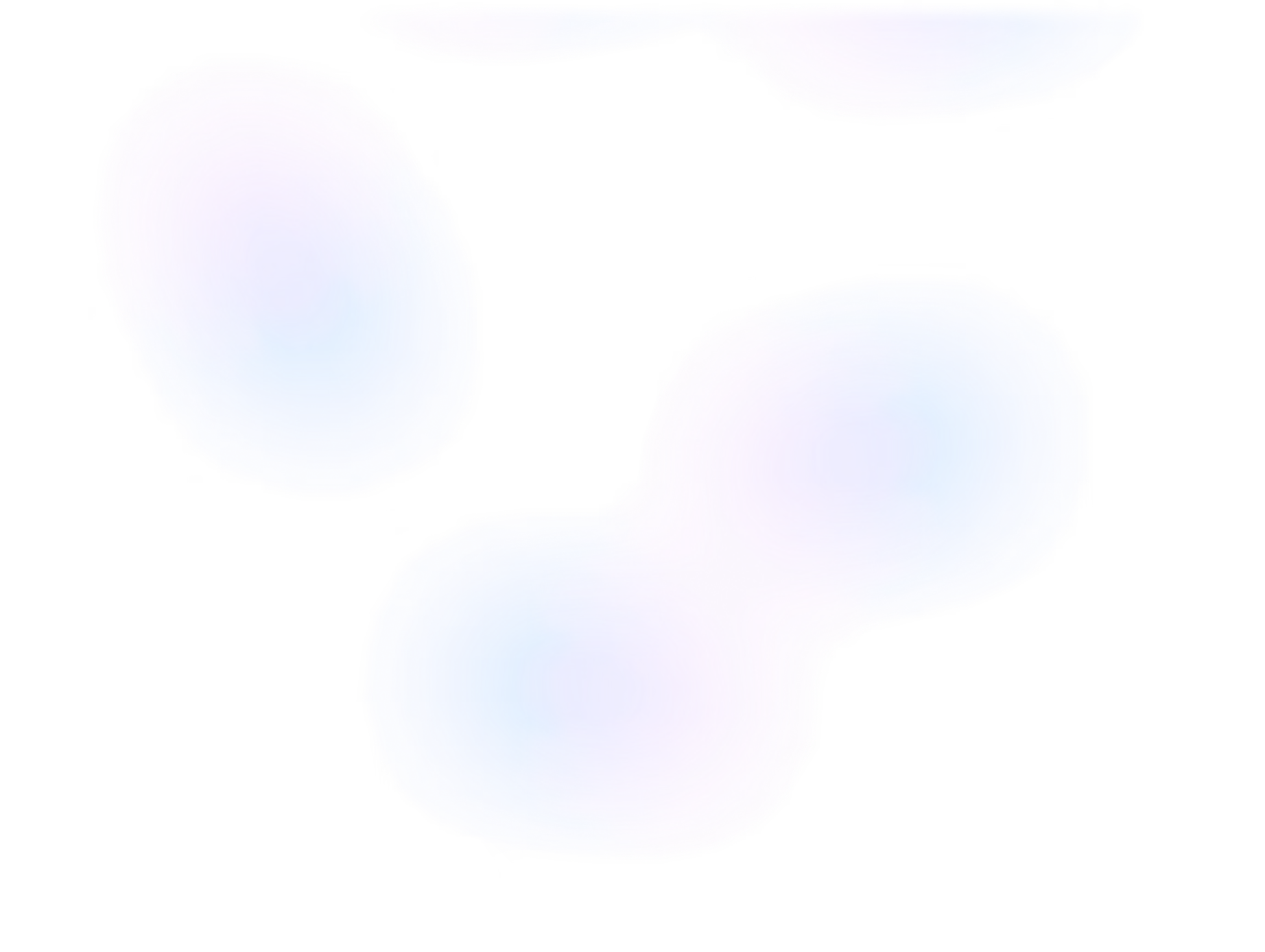
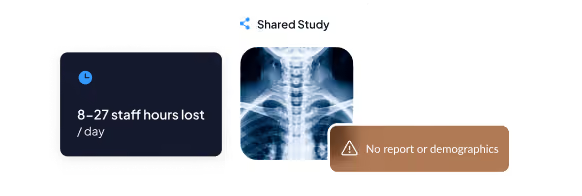
The diagnostic report from the EHR or RIS is bundled with the imaging study as a DICOM SR object. The receiving care team gets images and report as one package.
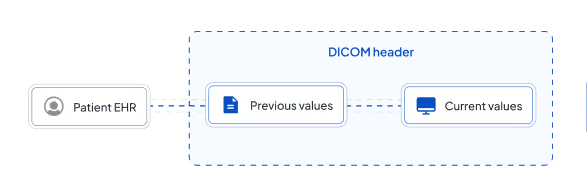
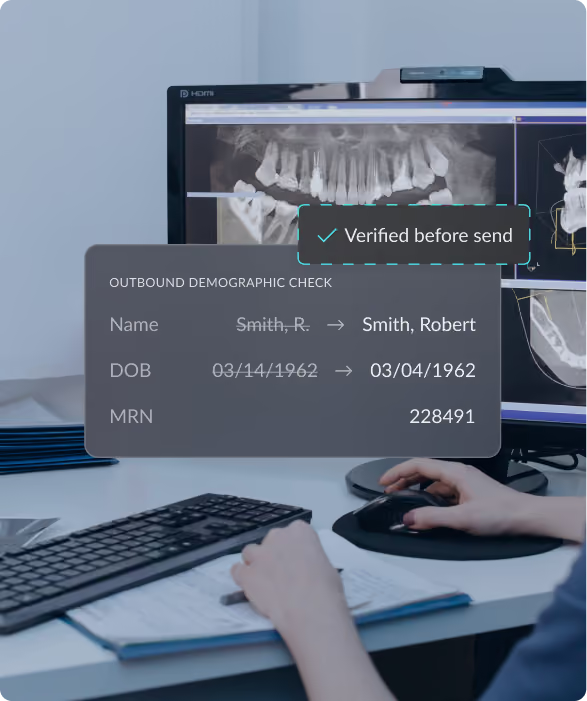
Patient name, address, email, and phone number are pulled from the EHR in real time and written to the DICOM headers, replacing stale data that may be on the original study.
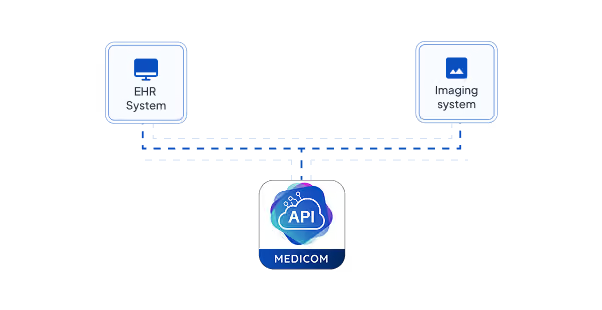
Append operates as a SMART Backend Service, running machine to machine in the background. There is no user interface, no click path, and no training curve.
A staff member or an automated routing rule sends a DICOM study externally through Medicom.
Append connects to the EHR via SMART on FHIR to retrieve current patient demographics and, if not already stored with the study, the associated diagnostic report.
Append writes the demographics to the DICOM headers and attaches the report as a DICOM SR object.
The destination care team receives imaging, current identifiers, and the diagnostic report together, with no follow up requests needed.
Because Append is a backend service and not an EHR launched app, it does not require staff attention once configured.
Administrators handle exception review as part of standard operational oversight.
Rendered as a scannable grid or icon row so a technical evaluator can confirm fit in under 30 seconds.

Append is built on the SMART Backend Services specification for machine to machine EHR integration.

Production deployments include Epic and Cerner. Support for additional EHRs varies by SMART Backend Services implementation.

Reports attach in DICOM Structured Report format, compatible with any DICOM compliant PACS or viewer at the receiving facility.

All PHI transmission between the EHR, Medicom, and receiving facilities meets HIPAA requirements for encryption in transit and at rest.
Every enrichment event is logged with full traceability from send initiation through delivery.

Append runs in Medicom's Cloud. There is no software to install or maintain on customer infrastructure.

For a facility running 100 daily outbound sends at 5 minutes of manual attachment per transfer.
Reports and current demographics arrive attached to the study, removing the primary reason for follow up requests.
Current EHR demographics replace stale DICOM header data on the outbound study.
Every send carries structured clinical context in DICOM format, simplifying chart building, record requests, and compliance reporting.






“Our initial goal of moving away from exchanging images via physical media has been very successful with Medicom. Now, we are working toward more advanced adoption of automated workflows and are starting to see the positive results. I am really looking forward to further automation with Medicom and the impact it will have on our bottomline, and more importantly on our patient care."
Ships with FAQPage schema markup for AI answer engine citation.

Blog
Auto Order Generation helps eliminate manual order entry and prevent duplicate scans by automatically delivering outside imaging straight into the EHR.

Blog
Research ties quicker access to outside patient information to shorter stays, fewer scans, fewer admissions and lower charges. Prior imaging is where the gap is widest.

Blog
Managing external image exceptions through a centralized review process allows staff to resolve demographic mismatches without delaying clinical care.
If your team is spending hours per day on manual report and demographics attachment, Append eliminates that work. Book a conversation with a Medicom expert to see how the application runs against your outbound volume.
